

Authorization header:
admin or member). There are no per-key scopes or expiry - revoke a key to invalidate it.
Creating an API Key
1
Open Settings
Go to Personal Settings > API Keys in the admin dashboard and click Create API Key.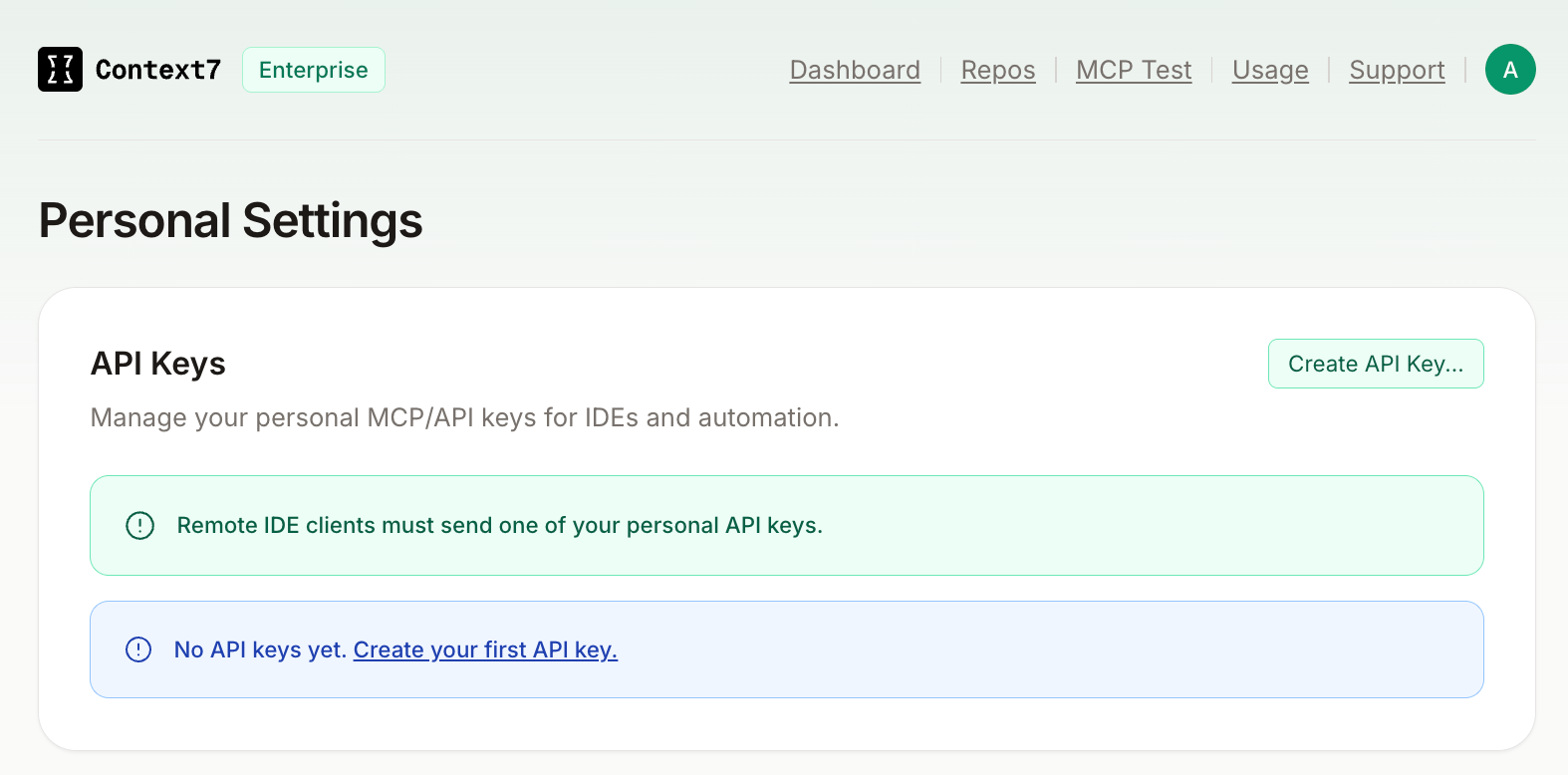
2
Name the key
Give the key a descriptive name so you know which client or service is using it (e.g. 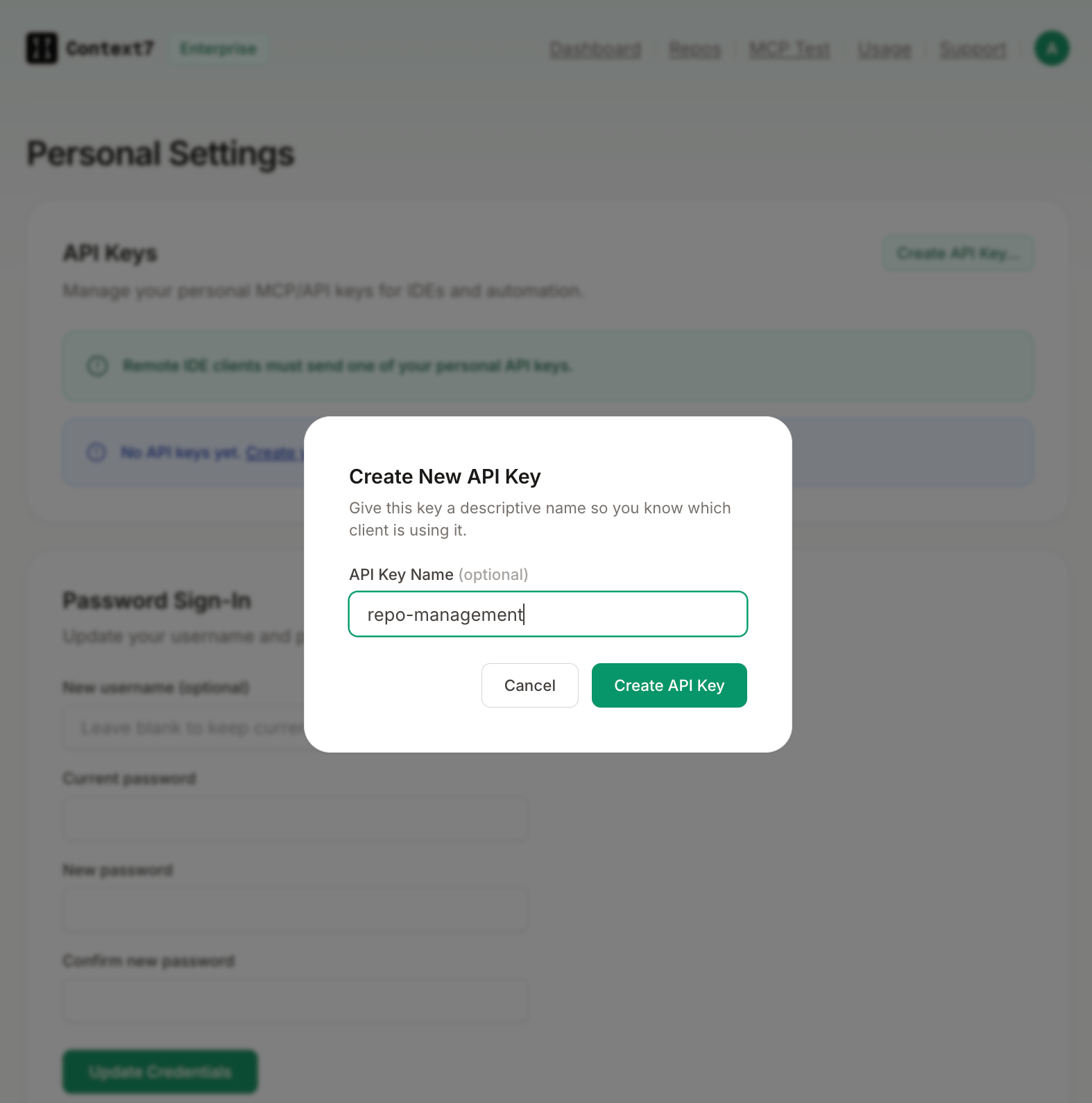
CI pipeline, Cursor).3
Copy the key
Copy the full key value before closing the dialog. It is only shown once.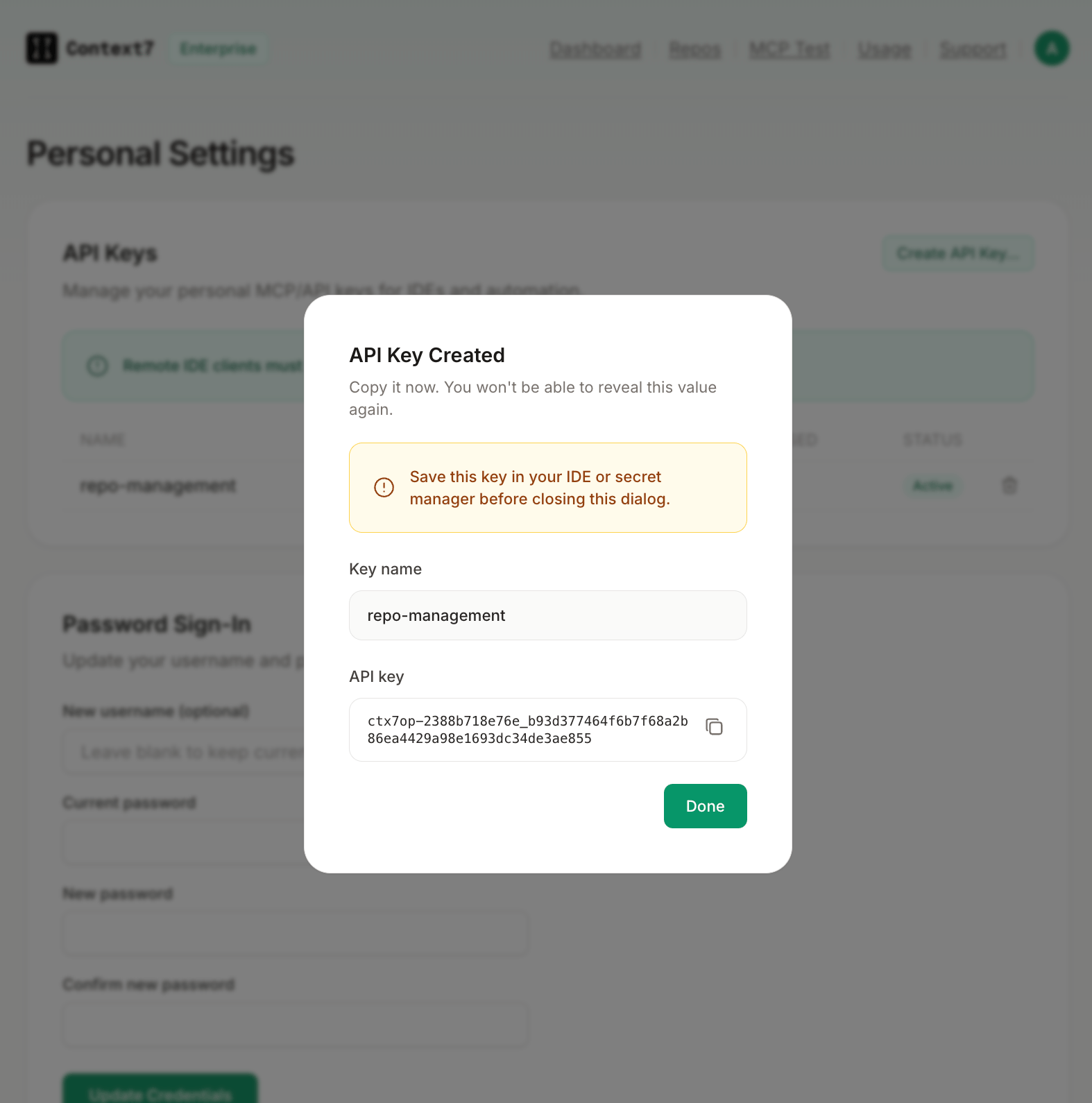
Revoking a Key
Go to Settings > API Keys and click the delete icon next to the key. Revocation is immediate and cannot be undone. Update any integrations using the key before revoking.Roles
Default credentials on a fresh install are
admin / admin. Change them immediately from Settings > Change Credentials.
Anonymous Access
Certain operations can be allowed without authentication. Configure them from Settings > Permissions:
The search (
GET /v2/libs/search) and context (GET /v2/context) endpoints are always publicly accessible unless a global API_KEY environment variable is set, in which case every endpoint requires a bearer token.